
Complete Guide to the Voice-to-Video Process
Explore the voice-to-video process: how it works, key features, real-world applications, and common pitfalls in this comprehensive guide.
Birju
Author
Complete Guide to the Voice-to-Video Process
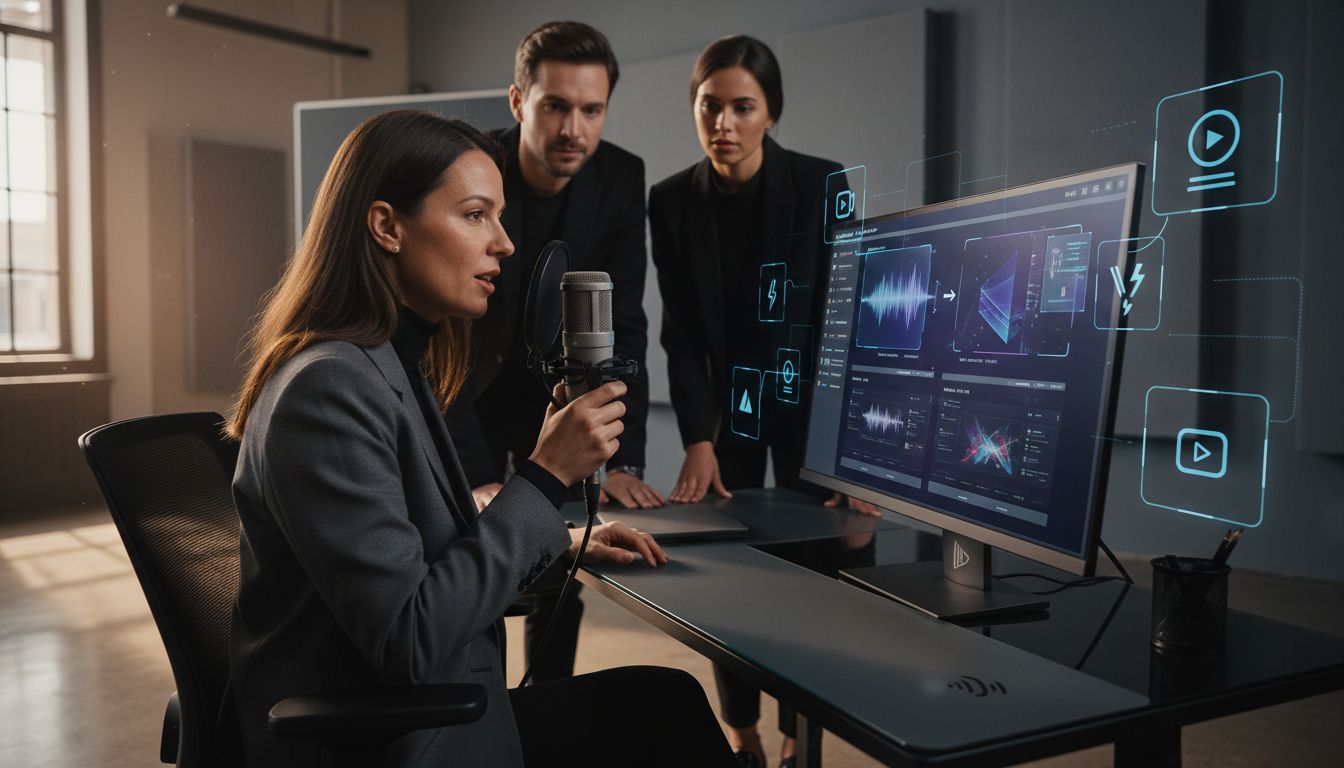
Did you know that over 80 percent of online content will be video-based by 2025? With this rapid shift, turning your voice into professional visuals can make all the difference in standing out. The voice-to-video process makes it possible to transform simple audio recordings into sharable, polished video content. Understanding how this technology works opens new doors for creators, educators, and businesses who want to communicate ideas with impact.
Table of Contents
Key Takeaways
| Point | Details |
|---|---|
| Innovative Transformation | The voice-to-video process enhances traditional voice-over by automatically generating synchronized visual content from audio input. |
| Key Workflow Steps | The process comprises audio capture, speech analysis, visual generation, synchronization, and branding integration. |
| Advanced Features | Modern tools utilize AI for speech analysis, visual generation, and audio optimization, ensuring high-quality multimedia production. |
| Practical Applications | Voice-to-video technologies are transforming communication in education, marketing, corporate training, and content creation, making it accessible and efficient. |
Voice-to-Video Process Defined and Explained
- Voice-to-Video Process Defined and Explained
- Core Steps in the Voice-to-Video Workflow
- Key Features of Modern Voice-to-Video Tools
- Practical Applications and Use Cases
- Avoiding Common Pitfalls and Mistakes
The voice-to-video process transforms raw audio recordings into polished visual presentations, seamlessly converting spoken words into engaging multimedia content. Unlike traditional dubbing which typically involves lip-syncing translations Wikipedia, modern voice-to-video technologies focus on creating comprehensive visual narratives from vocal inputs.
At its core, voice-to-video is an advanced production technique that extends traditional voice-over methods. Where classic voice-over simply accompanies visual events, voice-to-video technologies actively generate complementary visual content synchronized with audio narration. This process involves sophisticated AI algorithms that analyze vocal patterns, speech cadence, and content context to generate appropriate visual representations.
The fundamental workflow of voice-to-video typically involves several key stages:
- Audio Input: Recording or uploading a raw voice message
- Content Analysis: AI-powered parsing of vocal content
- Visual Generation: Automatic creation of relevant graphics, slides, or animations
- Synchronization: Aligning visuals precisely with audio timing
- Refinement: Adding branding elements, adjusting visual styles
These technologies are revolutionizing communication by transforming spoken thoughts into professional, shareable video content without complex editing skills. We can now create instructional videos, presentations, and explanatory content simply by speaking our ideas.
For creators interested in exploring more about video communication strategies, check out our guide on optimizing video communication methods.
Core Steps in the Voice-to-Video Workflow
The voice-to-video workflow represents a sophisticated transformation process that converts spoken content into compelling visual narratives. According to Wikipedia, voice-over production fundamentally involves reading from a script and synchronizing vocal content with visual elements, a principle that forms the foundation of modern voice-to-video technologies.
Audio Preparation is the critical first stage where raw vocal recordings are captured and processed. Just as dubbing techniques require precise sound editing, voice-to-video workflows demand meticulous audio refinement. This involves cleaning background noise, normalizing volume levels, and ensuring optimal vocal clarity before visual generation begins.
The comprehensive voice-to-video workflow typically encompasses these essential steps:

Here's a summary of the core steps in the voice-to-video workflow:
| Step | Purpose | Key Activities |
|---|---|---|
| Audio Capture | Obtain raw vocal input | Recording<br>Uploading voice files |
| Speech Analysis | Analyze vocal characteristics | Parsing tone<br>Detecting speech patterns |
| Content Interpretation | Understand context and intent | Interpreting meaning<br>Assessing flow |
| Visual Generation | Create matching visuals | Generating graphics<br>Creating animations |
| Synchronization | Align audio and visuals | Timing adjustment<br>Frame synchronization |
| Branding Integration | Add design and brand elements | Applying logos<br>Customizing visual style |
- Audio Capture: Recording or uploading voice content
- Speech Analysis: AI-powered parsing of vocal characteristics
- Content Interpretation: Understanding context, tone, and intent
- Visual Generation: Creating complementary graphics and animations
- Synchronization: Precisely aligning audio with generated visuals
- Branding Integration: Adding custom design elements
For creators looking to elevate their video creation skills, our tutorial on creating instructional videos offers additional insights into developing professional-quality multimedia content. The voice-to-video process transforms simple audio recordings into engaging, shareable visual experiences that communicate ideas with unprecedented efficiency and creativity.
Key Features of Modern Voice-to-Video Tools
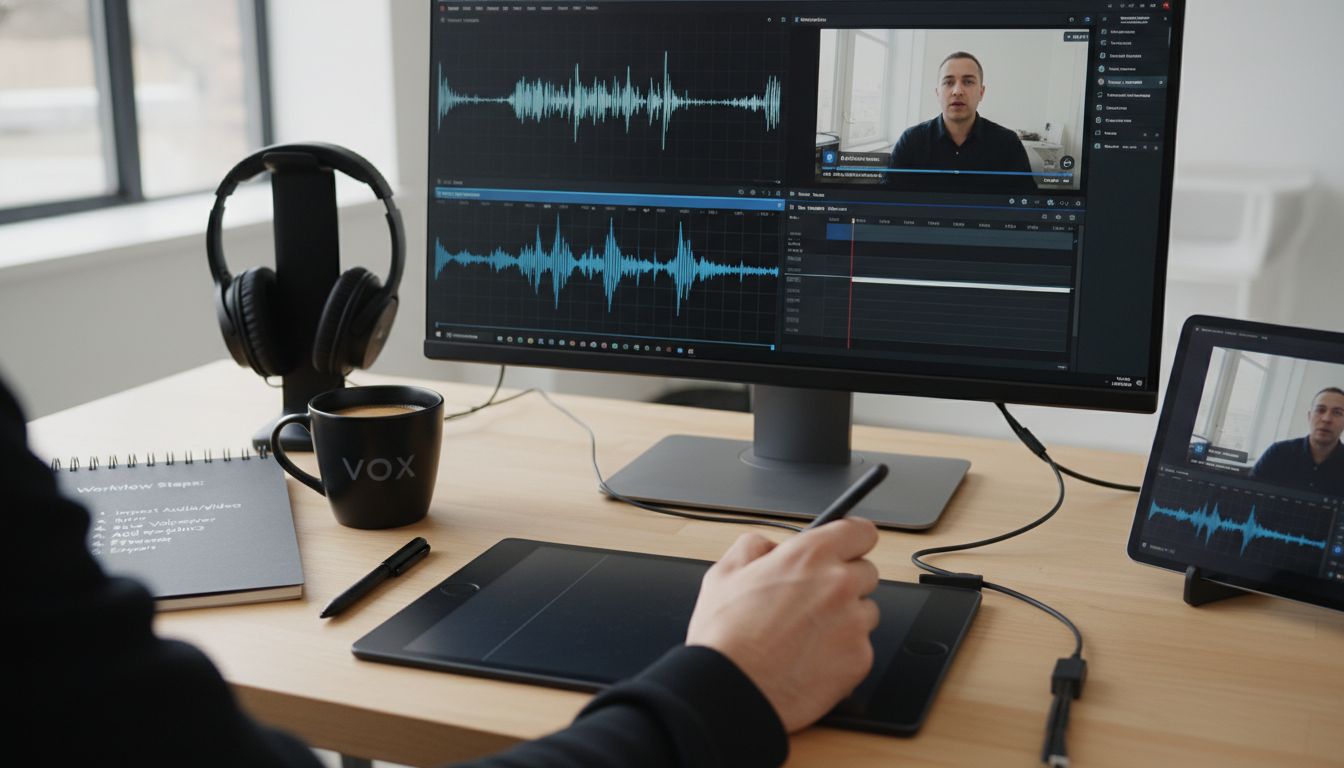
Modern voice-to-video technologies have revolutionized multimedia content creation through sophisticated AI-driven capabilities. Research from ArXiv highlights advanced models like VisualTTS, which incorporate intricate textual-visual attention strategies to synchronize speech with visual representations, dramatically enhancing the accuracy and quality of automated voice-over applications.
Key technological innovations have transformed voice-to-video tools, enabling unprecedented levels of audio-visual synchronization. As Wikipedia notes, contemporary dubbing software can now precisely sort spoken words, detect dialogue peaks, and automatically time-fit performances to create seamless visual narratives. These tools go beyond simple recording, offering intelligent content generation and refinement.
The most advanced voice-to-video tools typically include these critical features:
- AI-Powered Speech Analysis: Detecting vocal nuances, tone, and intent
- Intelligent Visual Generation: Creating contextually relevant graphics
- Automatic Synchronization: Precisely aligning audio with visual elements
- Background Noise Reduction: Cleaning and optimizing audio quality
- Multilingual Support: Generating content across different languages
- Branding Customization: Integrating personal or corporate design elements
Creators seeking deeper insights into modern video communication strategies can explore our guide on understanding features of modern video tools. These technological advancements are transforming how we communicate, turning simple voice recordings into rich, engaging multimedia experiences that transcend traditional communication barriers.
Practical Applications and Use Cases
Voice-to-video technologies have expanded dramatically across multiple professional and creative domains. Wikipedia highlights that voice-over techniques are extensively utilized in media platforms like radio, television, filmmaking, and theatre, providing descriptive commentary that enhances audience understanding across various contexts.
Professional Communication represents a primary application area where voice-to-video tools are transforming traditional interaction methods. Remote teams, freelancers, and global organizations now leverage these technologies to create concise, engaging multimedia presentations without scheduling complex meetings. From project updates and client pitches to training materials and product demonstrations, voice-to-video enables more dynamic and efficient communication.
Key practical applications include:
- Educational Content Creation: Developing interactive online courses and tutorials
- Marketing and Sales: Producing personalized video presentations and product walkthroughs
- Corporate Training: Generating standardized instructional materials
- Accessibility: Creating multilingual content and translations
- Content Creation: Developing social media and YouTube video content
- Customer Support: Crafting detailed video help guides and troubleshooting resources
For creators interested in exploring advanced video communication strategies, our guide on async video communication benefits offers comprehensive insights. As Wikipedia notes, similar technologies have already transformed international media by enabling content translation and broader audience reach, a trend that voice-to-video tools are now extending across professional communication landscapes.
Avoiding Common Pitfalls and Mistakes
Voice-to-video technologies, while powerful, are not immune to potential challenges that can compromise communication effectiveness. Wikipedia highlights a critical issue in audio-visual content: the risk of poor synchronization, where the dubbed voice fails to match on-screen lip movements, creating a disjointed viewing experience that can quickly undermine the content's credibility.
Professional creators must be vigilant about several key potential mistakes that can derail their voice-to-video productions. Wikipedia emphasizes that inconsistent synchronization between voice-over and visual content can lead to significant audience confusion, potentially causing misinterpretation of the intended message. This underscores the importance of precise audio-visual alignment and contextual relevance.
Common pitfalls to watch out for include:
- Audio Quality Issues: Background noise, inconsistent volume levels
- Misaligned Visuals: Graphics that don't match spoken content
- Unclear Narrative Flow: Disjointed or confusing visual storytelling
- Over-Reliance on AI: Neglecting human oversight and refinement
- Branding Inconsistencies: Visual elements that don't reflect brand identity
- Technical Synchronization Errors: Timing mismatches between audio and video
For creators seeking to elevate their video communication strategies, our guide on understanding features of modern video tools offers comprehensive insights into avoiding these common pitfalls. Successful voice-to-video content requires a delicate balance of technological capability and human creativity, ensuring that each element works harmoniously to communicate your message effectively.
Transform Your Voice-to-Video Workflow with Boom
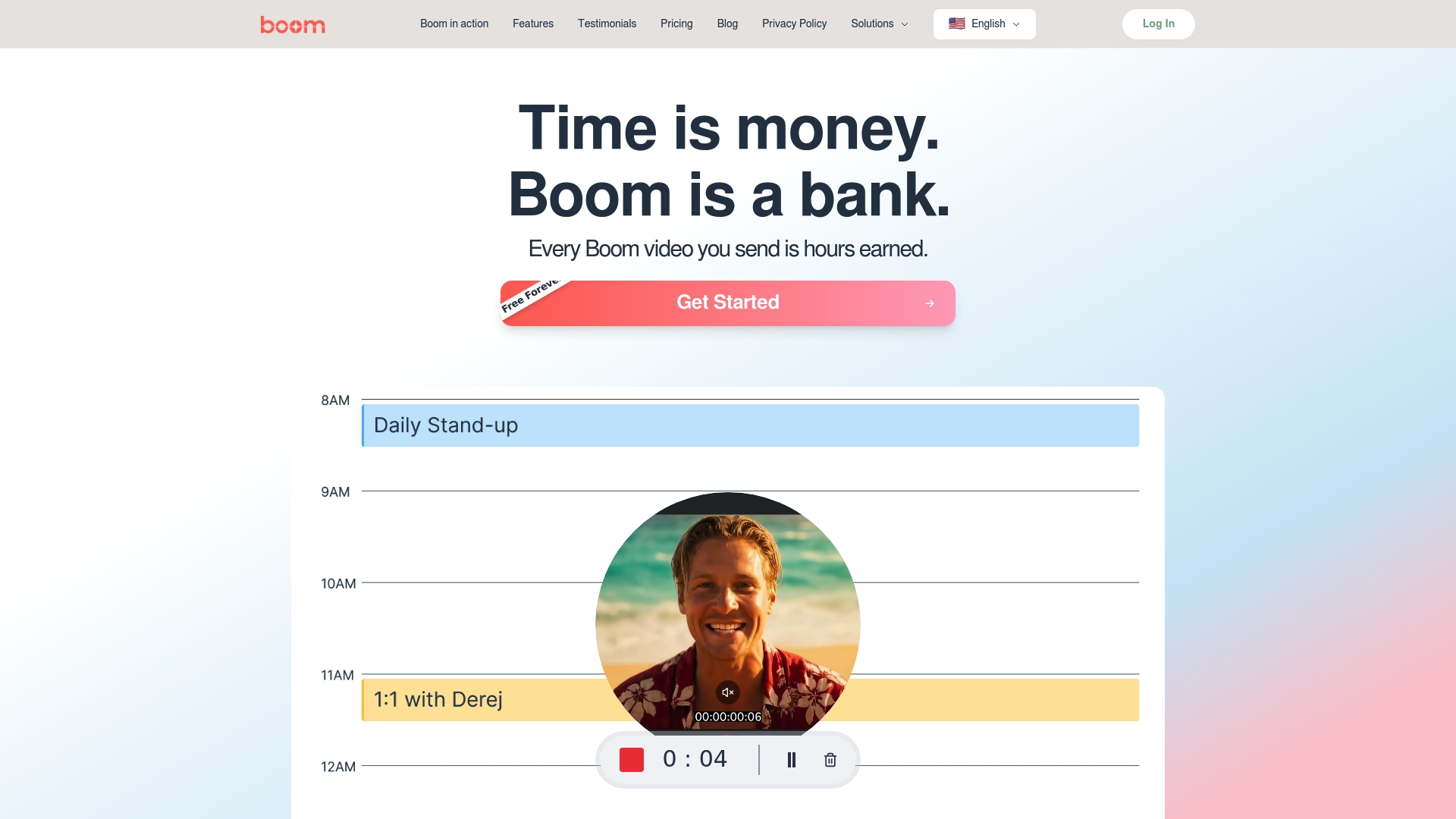
The voice-to-video process can be complex, requiring precise synchronization of audio and visuals plus clear narrative flow to avoid confusion or poor engagement. If you want to save hours from tedious editing and nail every step from audio capture to branding integration, Boom is built for you. Our AI-powered async video platform understands the challenges of turning raw voice messages into polished, on-brand videos that communicate your message clearly and professionally.
Say goodbye to scheduling frustrations and inconsistent content quality. With Boom's voice-to-video recording, auto-scripting, and AI voiceover features, you get:
- Seamless alignment of voice and visuals
- Professional-grade multilingual dubbing to reach global audiences
- Instant branding with video templates designed for clarity and control
Explore how you can streamline your entire workflow and earn precious time back by visiting Boom’s homepage. Want to deepen your skills? Check out our guide on optimizing video communication methods and learn how to create instructional videos easily step by step. Get started now to transform simple voice recordings into impactful video stories with Boom.
Frequently Asked Questions
What is the voice-to-video process?
The voice-to-video process converts raw audio recordings into visual presentations by synchronizing spoken words with generated graphics or animations, enabling creators to transform their ideas into engaging multimedia content.
How does AI contribute to the voice-to-video workflow?
AI plays a crucial role in analyzing vocal patterns, speech cadence, and content context, facilitating the automatic generation of visuals that are closely aligned with the narration, thereby enhancing the overall quality and engagement of the video content.
What are the key stages of the voice-to-video workflow?
The primary stages include audio capture, speech analysis, content interpretation, visual generation, synchronization, and branding integration, each contributing to the final polished video product.
What are some common applications for voice-to-video technologies?
Common applications include educational content creation, marketing presentations, corporate training materials, accessibility features, social media content, and customer support videos.
Recommended
About the Author
Birju
Senior Software Engineer.