
What Is Video Commenting? Complete Guide for 2024
Video commenting explained: learn core concepts, key features, practical examples, benefits, and common pitfalls in this comprehensive guide.
Devdeep
Author
What Is Video Commenting? Complete Guide for 2024
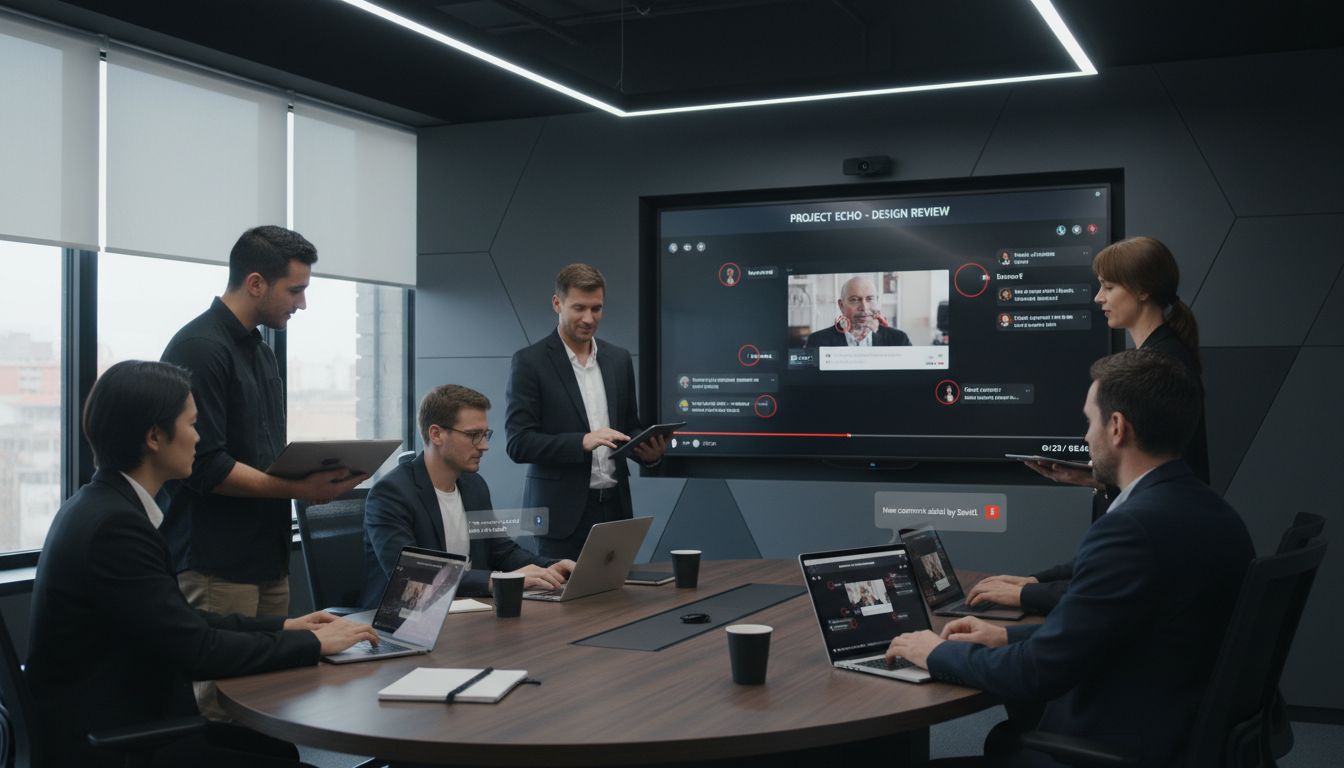
Over 80 percent of today’s online content comes in video form, yet very few viewers engage beyond passive watching. Video commenting bridges that gap by allowing people to leave timestamped remarks, annotations, and live reactions directly on the video itself. This technology not only sparks meaningful discussion but also transforms communication in education, creative industries, and team collaboration. Discover the tools, features, and strategies that make interactive video experiences possible and accessible for everyone.
Table of Contents
Key Takeaways
| Point | Details |
|---|---|
| Video commenting enhances engagement | It transforms passive viewing into interactive communication, allowing for real-time feedback and contextual interaction. |
| Diverse platforms cater to unique needs | Various tools exist for professional, educational, creative, and social use, each offering specialized features for collaboration. |
| Potential risks need careful management | Issues like misinterpretation and information overload can arise, necessitating clear guidelines and robust moderation. |
| Accessibility innovations are crucial | Tools like Signmaku and CoSight exemplify how video commenting can improve inclusivity for diverse audiences. |
Defining Video Commenting and Core Concepts
- Defining Video Commenting And Core Concepts
- Key Features And How Video Commenting Works
- Types Of Video Commenting Tools And Platforms
- Popular Use Cases And Real-World Examples
- Benefits, Risks, And Common Pitfalls
Video commenting represents an interactive communication method where users add contextual annotations, reactions, or insights directly onto digital video content. According to Wikipedia, timed comments are specific annotations added by viewers at particular timestamps during video playback, providing real-time context and engagement.
Traditionally, video commenting has evolved from basic text-based remarks to more dynamic interaction models. The Danmaku system exemplifies this evolution, where user-generated comments literally scroll across the video screen in real-time, creating an immersive and interactive viewing experience. This approach transforms passive video consumption into a collaborative, community-driven interaction.
Modern video commenting platforms offer multiple interaction styles and features:
- Timestamp-specific comments: Remarks linked to precise video moments
- Real-time reactions: Instant emotional or intellectual responses
- Collaborative annotation: Team members can provide collective feedback
- Multimedia engagement: Adding images, links, or emojis within comments
These interactive mechanisms have significant implications for communication across professional and personal contexts. From product review videos to educational content, video commenting enables nuanced, contextual dialogue that traditional media formats cannot replicate. Understanding features of modern video tools can help users leverage these emerging communication technologies more effectively.
Key Features and How Video Commenting Works
Video commenting technologies have transformed collaborative communication by enabling dynamic, context-rich interactions. According to YuJa, in-video commenting allows users to add time-stamped comments directly along the video timeline, creating an interactive learning and feedback environment that transcends traditional communication methods.
ZipBoard highlights that modern video feedback platforms provide sophisticated features designed to streamline review processes. These advanced tools include direct on-screen annotations, frame-accurate commenting, version comparison tools, and real-time collaboration notifications, which dramatically enhance team communication and content review efficiency.
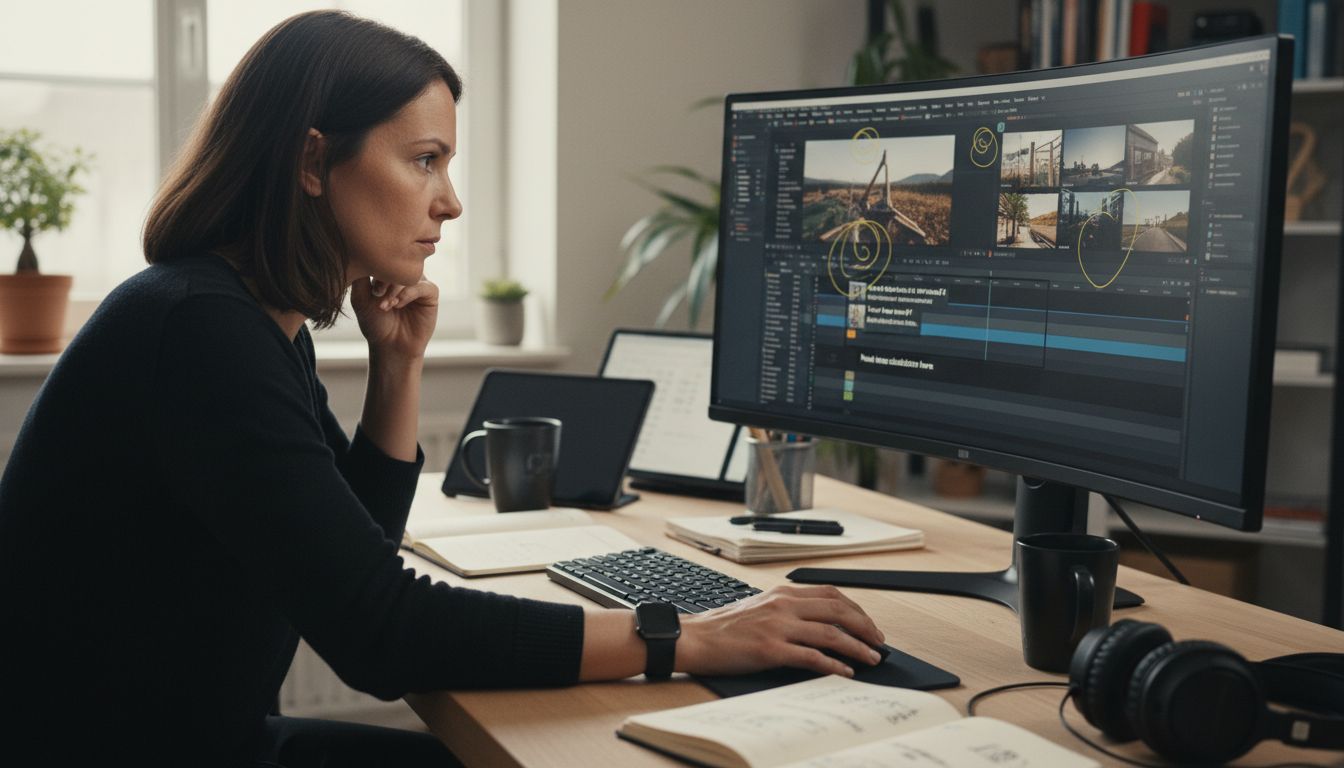
The core mechanics of video commenting typically involve several key interaction modes:
- Time-specific commenting: Anchoring remarks to exact video moments
- Visual annotation: Drawing or marking directly on video frames
- Threaded discussions: Creating conversation threads linked to specific timestamps
- Multi-user collaboration: Enabling team members to view and respond to comments simultaneously
Understanding these mechanisms is crucial for professionals seeking to optimize their video communication strategies. Async video features for freelancers can provide additional insights into leveraging these powerful collaborative tools effectively. By integrating these advanced commenting technologies, teams can transform passive video consumption into an interactive, productive communication experience.
Types of Video Commenting Tools and Platforms
Video commenting platforms have diversified dramatically, offering specialized solutions for different professional and creative needs. Enterprise video commenting tools typically focus on collaborative review processes, enabling teams to provide precise feedback and annotations directly within video content.
The landscape of video commenting platforms can be categorized into several distinct types:
- Professional Collaboration Platforms: Designed for corporate teams and professional workflows
- Educational Video Tools: Focused on learning management and interactive educational content
- Creative Review Systems: Tailored for design, media, and content production teams
- Social Video Platforms: Enabling community-driven interactions and user-generated commentary
These platforms differentiate themselves through unique features like real-time annotations, frame-accurate commenting, and integrated review workflows. Some specialized tools offer advanced capabilities such as version tracking, permission management, and cross-platform compatibility. Understanding video communication methods can help professionals select the most appropriate platform for their specific needs.
For creative professionals and teams, choosing the right video commenting tool involves considering factors like ease of use, integration capabilities, collaboration features, and specific industry requirements. Whether you're working on a complex multimedia project or seeking to streamline team feedback, the right platform can significantly enhance communication and productivity.
Popular Use Cases and Real-World Examples
Video commenting has revolutionized communication across various domains, enabling rich, contextual interactions that transcend traditional communication barriers. In an innovative approach to accessibility, ArXiv highlights the Signmaku system, which introduces sign language-based commenting specifically designed to enhance video interactions for Deaf and Hard-of-Hearing users, demonstrating the profound potential of inclusive video communication technologies.
Different sectors have adopted video commenting for unique purposes:
- Education: Providing detailed student feedback and peer review
- Product Development: Collaborative design and feature refinement
- Media Production: Streamlining creative review processes
- Customer Support: Offering visual, timestamped technical guidance
Research from ArXiv further explores the CoSight system, which demonstrates how viewer-generated descriptive comments can dramatically improve video accessibility for blind and low vision audiences. This groundbreaking approach transforms video content from a potentially exclusionary medium into an inclusive, collaborative experience. Video presentation formats can provide additional context for understanding these innovative communication strategies.
The real-world applications of video commenting extend far beyond traditional communication methods. From academic institutions conducting remote learning to global design teams collaborating across time zones, these tools have become essential in creating more dynamic, interactive, and accessible communication experiences. By enabling precise, contextual feedback and breaking down communication barriers, video commenting is reshaping how we share, review, and understand visual content.
Benefits, Risks, and Common Pitfalls
Video commenting platforms offer transformative communication capabilities, but they also present nuanced challenges that require careful navigation. ArXiv's ViCo model highlights the complexity of generating high-quality comments, demonstrating that effective video commenting goes beyond mere technical implementation and requires understanding human interaction preferences.
Key benefits and potential risks of video commenting include:
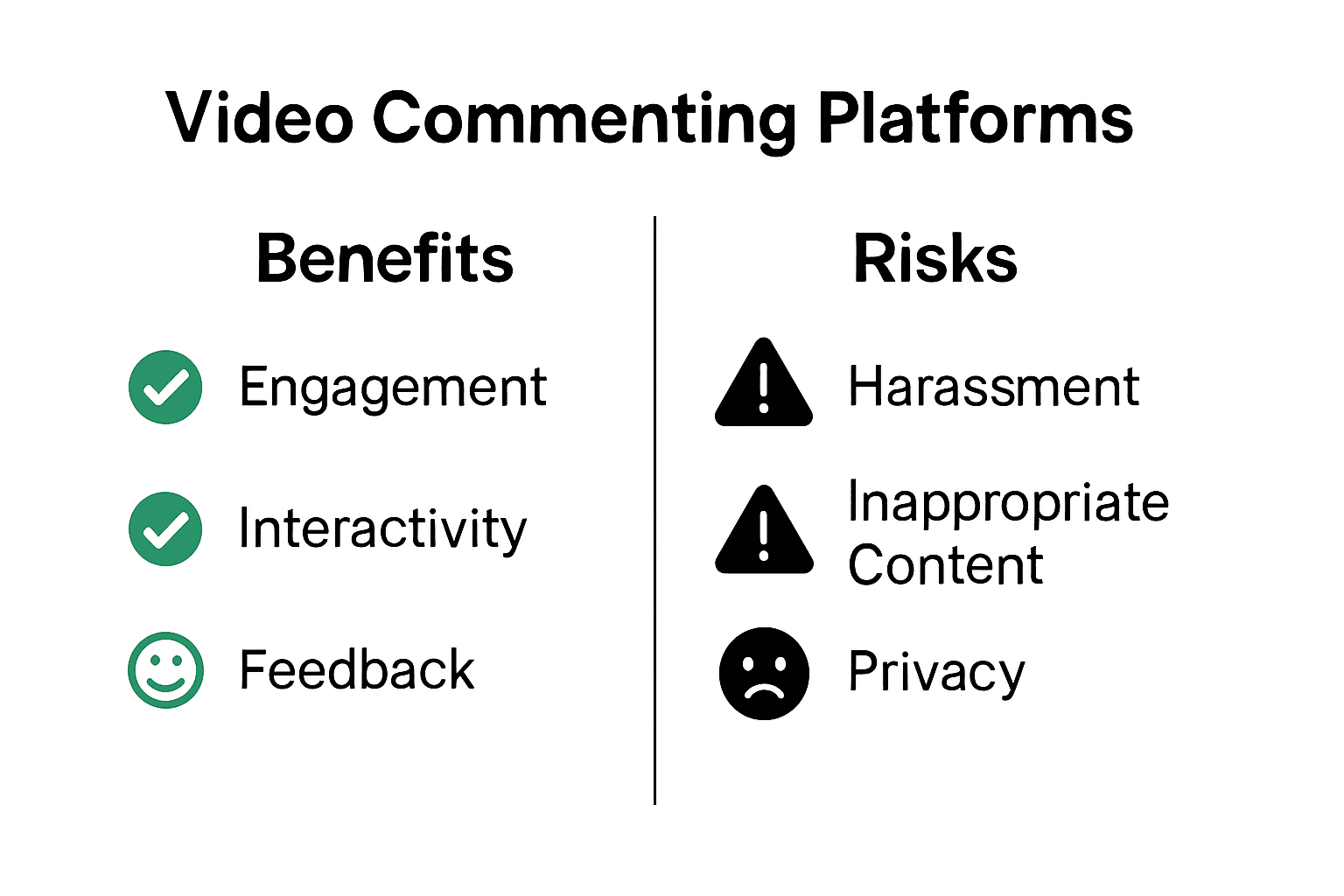
- Benefits:
- Enhanced collaborative communication
- Precise, timestamped feedback
- Improved accessibility
- Reduced meeting dependencies
- Risks:
- Potential misinterpretation of tone
- Privacy and data security concerns
- Potential information overload
- Risk of unproductive or inappropriate comments
ArXiv's LiveChat study emphasizes the multimodal complexity of generating meaningful comments, revealing that understanding context requires sophisticated interpretation of audio-visual inputs. This research underscores the importance of developing intelligent commenting systems that can effectively parse nuanced communication contexts. Types of video content for team collaboration can provide additional strategies for mitigating potential pitfalls.
To maximize video commenting effectiveness, professionals must establish clear communication guidelines, implement robust moderation mechanisms, and choose platforms with advanced filtering and privacy controls. By proactively addressing potential challenges, teams can transform video commenting from a potential communication minefield into a powerful collaborative tool that enhances productivity and understanding.
Transform Your Video Commenting Experience with Boom
The article "What Is Video Commenting Complete Guide for 2024" highlights key challenges in managing effective video communication such as timestamped feedback, collaborative annotation, and accessibility. It shows how video commenting can boost teamwork but also reveals how complex it can get to maintain clarity and control. If you want to move beyond traditional video comments and eliminate friction like scheduling headaches or unclear messaging Boom is your solution.
With Boom you get an AI-powered async video tool built specifically to save you time and simplify collaboration. Features like voice-to-video recording, auto-scripting, and direct video commenting let you deliver precise feedback or pitches clearly—without meetings or confusion. Unlock faster, clearer video communication with Boom, complement your work by learning about async video features for freelancers, and discover the power of collaborative video review combined in one platform. Start earning your time back today and see how Boom revolutionizes video commenting.
Frequently Asked Questions
What is video commenting?
Video commenting is an interactive communication method where users can add annotations, reactions, or insights directly onto digital video content at specific timestamps, enhancing contextual dialogue and user engagement.
How do video commenting platforms enhance collaboration?
Video commenting platforms enhance collaboration by allowing team members to provide timestamp-specific feedback, create threaded discussions, and collaborate in real-time, thus streamlining the review process and making communication more efficient.
What are the benefits of using video commenting tools?
The benefits of using video commenting tools include enhanced collaborative communication, precise timestamped feedback, improved accessibility for diverse audiences, and reduced dependencies on synchronous meetings for feedback and discussions.
What are some common types of video commenting tools?
Common types of video commenting tools include professional collaboration platforms tailored for corporate teams, educational video tools for interactive learning, creative review systems for content production, and social video platforms that facilitate community-driven commentary.
Recommended
About the Author
Devdeep
Senior Software Engineer.