
Comprehensive Product Demo Video Software Comparison 2025
Explore our product demo video software comparison featuring 6 top tools to enhance your video presentations and demonstrations.
Aditya
Author
Comprehensive Product Demo Video Software Comparison 2025
Capturing ideas on video and sharing them with others has never been more important or easier to do. From quick tutorials for your team to crisp marketing clips aimed at a global audience, the right tools can make all the difference. There are platforms out there tailored to every need, each promising unique editing tricks, collaboration perks, and ways to make your message stand out. Some give you powerful AI assistance so you can polish your work in minutes while others focus on helping teams stay connected through visual communication. Wondering which option fits your workflow or delivers that professional touch without the hassle? Get ready to discover what sets each one apart.
Table of Contents
Boomshare.ai
At a Glance
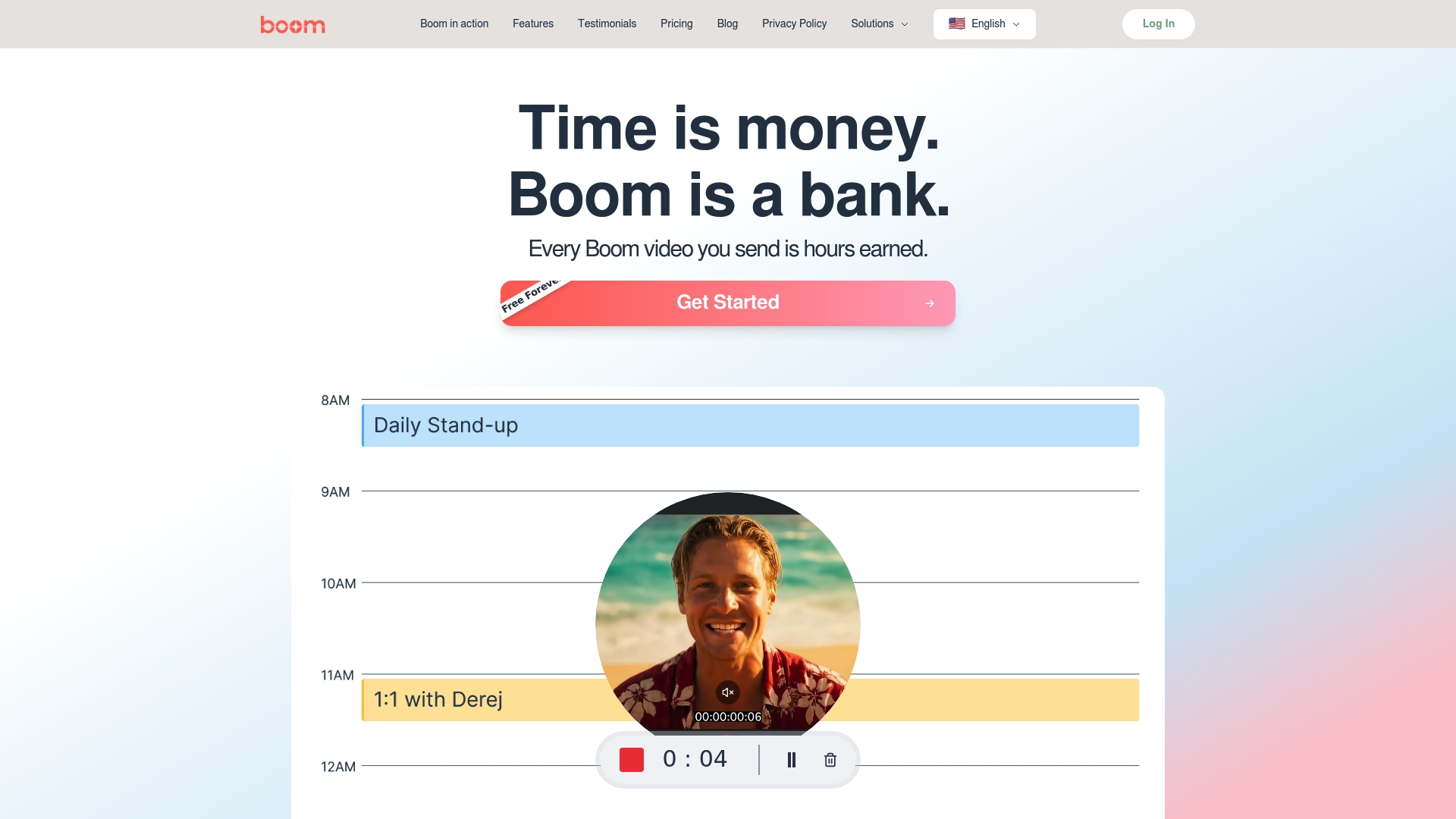
Boomshare.ai is a free, AI-powered platform that streamlines video creation, editing, transcription, translation, and sharing for both personal and commercial use. It bundles screen recording, automatic editing, multilingual captions, and cloud collaboration into a single, no-cost workflow designed to save time and remove friction. If you need fast, polished videos without the learning curve or hidden fees, Boomshare.ai delivers a powerful, accessible experience built around automation and simplicity.
Core Features
Boomshare.ai combines a rich set of features into one unified interface: AI-powered video editing, screen recording and sharing, automatic transcription and summarization, multilingual auto captions and translations, background noise removal and audio enhancement, cloud storage and sync, multi-track editing and color grading, background removal and effects, custom branding and watermarks, real-time collaboration, and priority customer support. These capabilities work together so you can record, refine, localize, and distribute content without switching apps or paying for basic functionality.
Pros
Who It's For
- Completely free with no hidden tiers: Boomshare.ai offers full-featured access without gating essential tools behind paywalls, making high-quality production available to any creator or team.
- Robust AI editing and localization: Built-in AI handles transcription, summarization, captions, and translations so you spend minutes, not hours, prepping videos for global audiences.
- Unlimited HD recording and editing: You can record and edit high-definition content without artificial limits that slow growth or force tool-switching.
- Seamless cloud collaboration: Real-time collaboration and cloud sync mean teams can iterate together and ship faster with fewer meetings.
- Commercial-friendly terms: The platform explicitly supports both personal and commercial use, removing legal ambiguity for creators and businesses.
Boomshare.ai is ideal for content creators, marketers, educators, remote teams, and small businesses that need reliable, fast video workflows without subscription friction. If you produce social videos, training modules, promo clips, or product demos and you value speed, localization, and collaboration, Boomshare.ai is tailored to your needs. It fits individuals who want professional output with minimal setup and teams that want to automate repetitive production steps.
Unique Value Proposition
Boomshare.ai’s defining advantage is the convergence of enterprise-style AI tooling with a genuinely free model. Rather than forcing users to assemble separate transcription, editing, dubbing, and hosting services, Boomshare.ai integrates those features into a single async-first platform that removes scheduling and tooling overhead. Its unlimited HD recording, automatic multilingual captions and translations, and built-in branding tools let teams produce globally-ready content in a fraction of the usual time. The free-forever promise is not a teaser: advanced features are included, positioning Boomshare.ai as a production-grade, zero-cost alternative to fragmented or paid toolchains. Any potential tradeoffs—such as evolving features or an ad-supported model—are deliberate design choices that prioritize broad accessibility and continuous improvement.
Real World Use Case
A marketing team uses Boomshare.ai to record product walk-throughs, apply AI-driven edits, generate captions in five languages, and publish localized promos to channels—all within a single afternoon. Automatic transcription and summarization speed script creation, while cloud collaboration lets designers and PMs review and finalize without extra meetings.
Pricing
Free forever, no credit card required, with advanced features included in the free plan.
Website: https://boomshare.ai
Loom
At a Glance
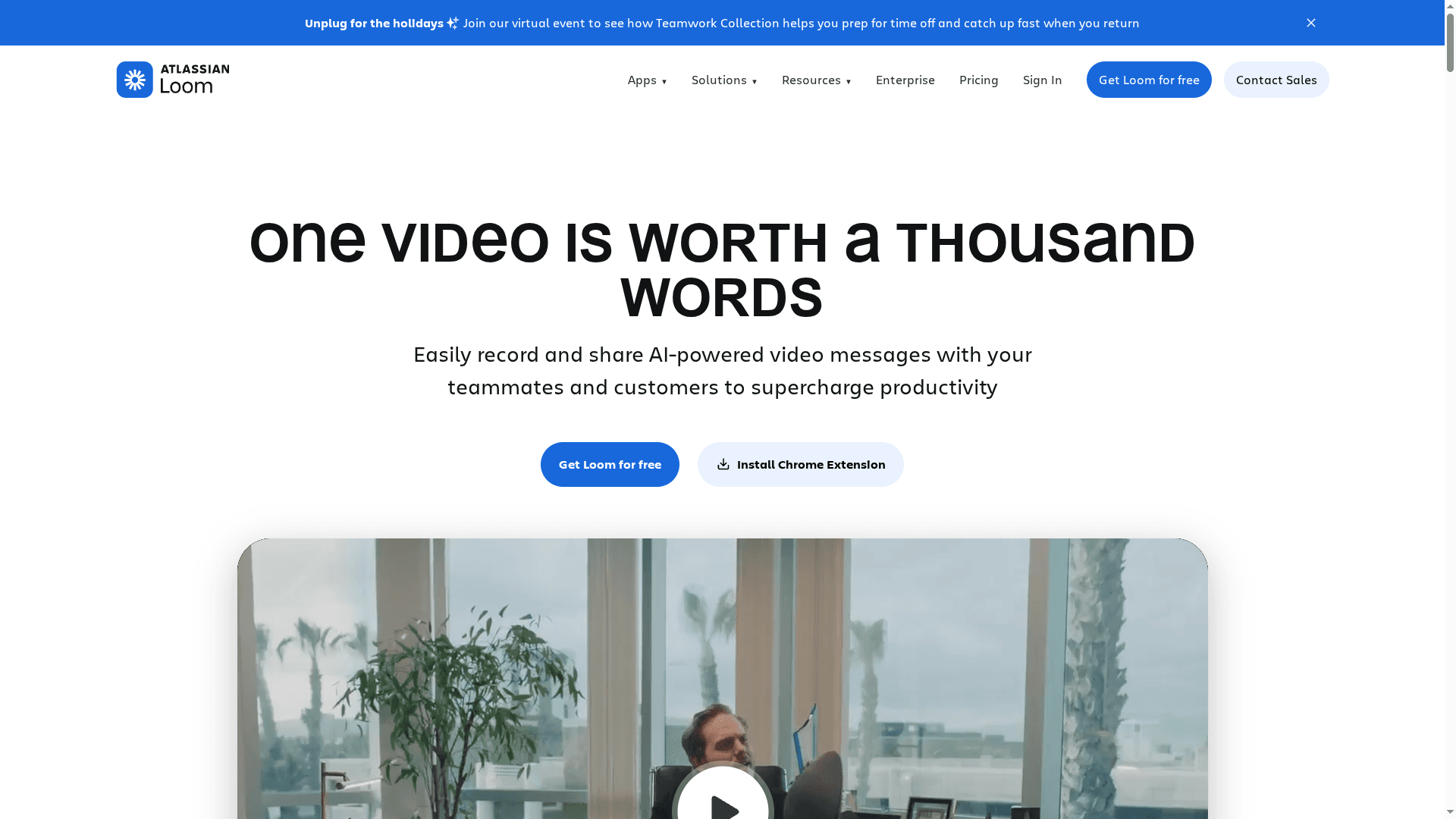
Loom is a polished, easy-to-use platform for recording and sharing screen and camera videos with built-in AI to speed editing and documentation. It excels at quick asynchronous communication, letting teams send context-rich messages without scheduling a meeting. While higher-tier plans unlock the most powerful AI workflows and integrations, Loom’s free and Business tiers provide a fast on-ramp for individuals and teams. Clear strengths, with trade-offs for advanced enterprise needs.
Core Features
Loom focuses on straightforward screen and camera recording combined with an intuitive editor for trimming, stitching, and overlays. It offers seamless sharing and embedding, plus deep integrations with productivity tools like Slack, JIRA, and Notion to keep video content connected to workflows. In higher-tier plans Loom adds AI-powered automation—auto titles, summaries, chapters, and task extraction—designed to reduce manual documentation and speed handoffs.
Pros
Cons
Who It's For
- User-friendly recording and editing: Loom’s interface is designed so you can capture and polish a video in minutes without training, which speeds everyday communication.
- Strong integrations with collaboration tools: Loom connects with Slack, JIRA, and Notion, enabling videos to live inside the tools teams already use and reducing context switching.
- AI features that automate documentation: When available, Loom’s AI generates summaries, chapters, and tasks that save time on meeting notes and follow-ups.
- Multiple plans for different needs: Loom provides a free tier plus Business and Enterprise options, making it simple for individuals and teams to scale up as requirements grow.
- High-quality video support and collaboration: Loom supports high-quality captures (up to 4K in supported plans) and offers live collaboration features for real-time feedback.
- Some features are gated behind higher-tier plans: Several AI automations and advanced integrations are available only in Business + AI or Enterprise plans, which limits access for free or basic users.
- Basic plans may limit video quality: Video resolution can be capped at 720p on lower tiers, which reduces fidelity for product demos that need crisp detail.
- Enterprise onboarding can be complex: Implementing advanced security, integrations, and workflow automation often requires a steeper onboarding process and more administrative setup.
Loom is ideal for businesses and teams that rely on asynchronous video to communicate product demos, training, support walkthroughs, and design feedback. It suits product managers, marketers, support teams, and remote-first organizations that need integrated, documented video workflows without a heavy editing overhead.
Unique Value Proposition
Loom’s advantage lies in combining rapid screen-and-camera capture with AI-driven editing and documentation inside a single, sharable platform. That mix turns short recordings into searchable, actionable assets—accelerating onboarding, reducing support load, and replacing some live meetings with polished asynchronous updates.
Real World Use Case
A marketing team records short product feature demos in Loom, embeds those videos in support FAQs, and shares them via email and Slack. The result is faster customer onboarding and fewer repetitive support tickets, because users get clear, contextual demonstrations they can rewatch.
Pricing
Loom offers a free plan with basic features; paid plans start at $15/user/month for Business, with customized Enterprise solutions available for advanced security and integrations.
Website: https://loom.com
Vidyard
At a Glance
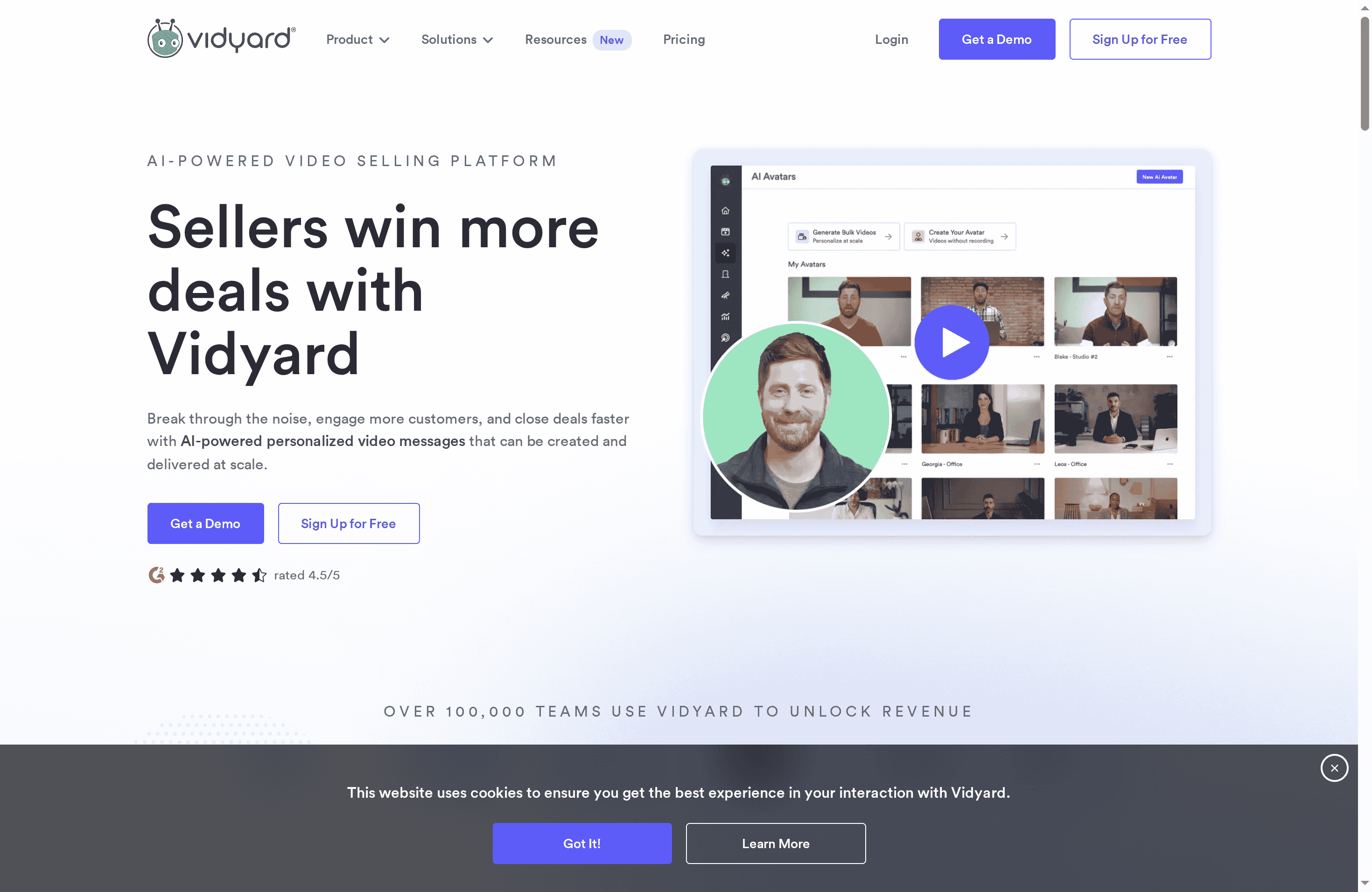
Vidyard is an AI-powered video selling platform built around personalized video outreach, hosting, and engagement analytics for sales and customer-facing teams. It helps teams record, deliver, and track videos that aim to improve response rates, meetings booked, and closed deals. Straightforward for basic use, Vidyard scales into a sophisticated sales toolset — but that scalability brings complexity and cost for larger deployments.
Core Features
Vidyard combines AI-driven personalized video messages with hosted video management and detailed engagement analytics. The platform integrates with CRM and sales automation tools so videos become part of existing sales workflows. Depending on plan level, you get creation, recording, and editing tools; branded sharing pages and security controls; team performance analytics; and automated video creation and delivery through the Video Agent add-on.
Pros
Cons
Who It's For
- Integrated AI personalization and hosting: Vidyard merges AI-powered personalized messaging with hosting, so you can send tailored videos without stitching multiple tools together. This reduces work and improves relevance in outreach.
- Actionable engagement analytics: The platform surfaces viewer interactions and engagement metrics that help you know who watched, for how long, and which parts resonated, enabling data-driven follow-ups.
- CRM and automation integrations: Native connections to CRM and sales automation systems let teams embed videos into established workflows without manual steps or fragile workarounds.
- Scalable plan options: Vidyard offers flexible plans suitable for individual sellers up through enterprise teams, so you can start small and expand capabilities as needs grow.
- Personalization at scale: Tools for automating and personalizing videos let teams send high-volume outreach that still feels individualized.
- Complex advanced features require training: Many of Vidyard’s higher-end capabilities assume familiarity with sales operations or dedicated enablement resources, which can slow adoption for smaller teams.
- Pricing becomes significant for larger teams: While a free tier exists, realistic commercial use often requires paid seats and add-ons, and costs can add up quickly for broad rollouts.
- Key capabilities may need add-ons or higher tiers: Features like the Video Agent and advanced automation are add-ons or reserved for higher plans, so the out-of-the-box experience can feel limited for some use cases.
Vidyard is designed for sales, marketing, and customer success teams that want to embed video into outreach and onboarding at scale. If your team measures outcomes in deals closed, meetings booked, or time-to-value for new customers, Vidyard gives analytics and CRM integration that fit those KPIs.
Unique Value Proposition
Vidyard’s strength is its combination of personalized AI video creation plus hosted delivery and deep engagement analytics tied directly into sales systems. That coupling lets teams treat video as a measurable, automatable channel rather than a one-off creative output.
Real World Use Case
A sales team records short, personalized prospect videos, automates distribution with the Video Agent, and then uses Vidyard’s engagement data inside the CRM to prioritize follow-ups. Over time, analytics reveal which message variations convert best and inform team-wide playbooks.
Pricing
Free plan available with limited features; paid plans start from $59 USD per seat per month (billed annually) for the Starter plan, with additional add-ons and custom enterprise solutions.
Website: https://vidyard.com
Wistia
At a Glance
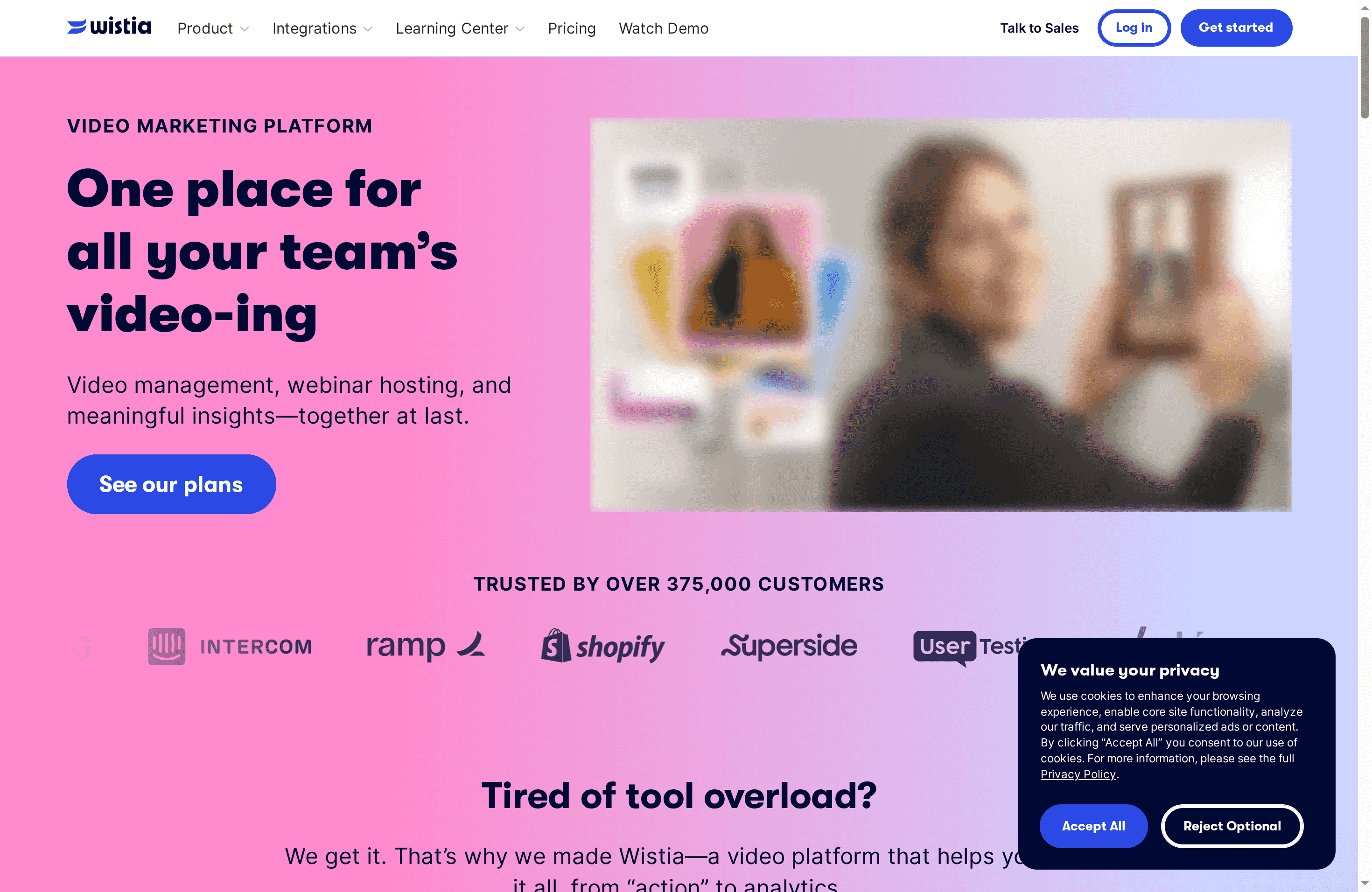
Wistia is a purpose-built video marketing platform that combines hosting, webinar management, creation tools, and analytics into a single workflow. Trusted by over 375,000 customers, it targets teams that need branded, measurable video at scale rather than just a simple player. Bottom line: Wistia is strong for organizations that prioritize marketing integrations, viewer insights, and professional webinar features, but it can become costly as usage and advanced needs grow.
Core Features
Wistia offers video hosting and management with a customizable player and organization tools that help teams present a polished library. Its webinar hosting supports branded live and evergreen events with automation for registration and follow-up. Recording and editing tools include AI-powered enhancements so creators can produce studio-quality output without a studio. Actionable viewer engagement insights feed directly into marketing stacks through data syncing and workflow automations, and a wide set of integrations enables automated processes across your tech ecosystem.
Pros
Cons
Who It's For
- Sleek video organization and presentation: Uploading, organizing, and showcasing videos is straightforward thanks to a searchable, polished gallery that looks professional to viewers.
- Robust analytics for optimization: Wistia provides detailed viewer engagement data that helps you refine content and measure impact against marketing goals.
- Comprehensive creation and webinar tools: The platform bundles recording, editing, and webinar hosting so teams can produce, present, and reuse content without cobbling tools together.
- Strong marketing integrations: Native syncing with marketing and automation platforms means video performance can trigger campaigns, segment audiences, and feed CRM workflows.
- Responsive customer support and resources: Wistia pairs product capabilities with expert support, helping teams adopt best practices faster.
- Pricing can be high for advanced and enterprise features: As your library, attendees, or advanced needs grow, plan costs can escalate beyond what smaller teams expect.
- Additional usage often billed separately: Extra users, added bandwidth, or larger video counts may be charged on top of base plans, making budgeting less predictable.
- Limited a-la-carte purchasing flexibility: Most capabilities are packaged by plan rather than offered individually, so you may pay for features you don’t immediately need.
Wistia is ideal for marketing teams, product marketers, and small to mid-size businesses that need a centralized, customizable video marketing platform. If you run webinars, rely on video-driven lead generation, or require tight integrations between video analytics and your marketing stack, Wistia fits well.
Unique Value Proposition
Wistia differentiates itself by combining professional-grade hosting, webinar functionality, and deep marketing analytics in one service designed to integrate with existing automation stacks—making video a measurable, actionable asset rather than a standalone media file.
Real World Use Case
A company used Wistia to build a centralized video marketing program and reported a 17% increase in lead generation and a 116.67% increase in sales conversions after deploying targeted video content and webinar sequences tied to their marketing automation.
Pricing
Wistia offers a free plan (no credit card required) that includes 10 videos and 200 GB bandwidth. Paid plans start at $19/month and scale to custom enterprise solutions for high-volume or specialized needs.
Website: https://wistia.com
Zight
At a Glance
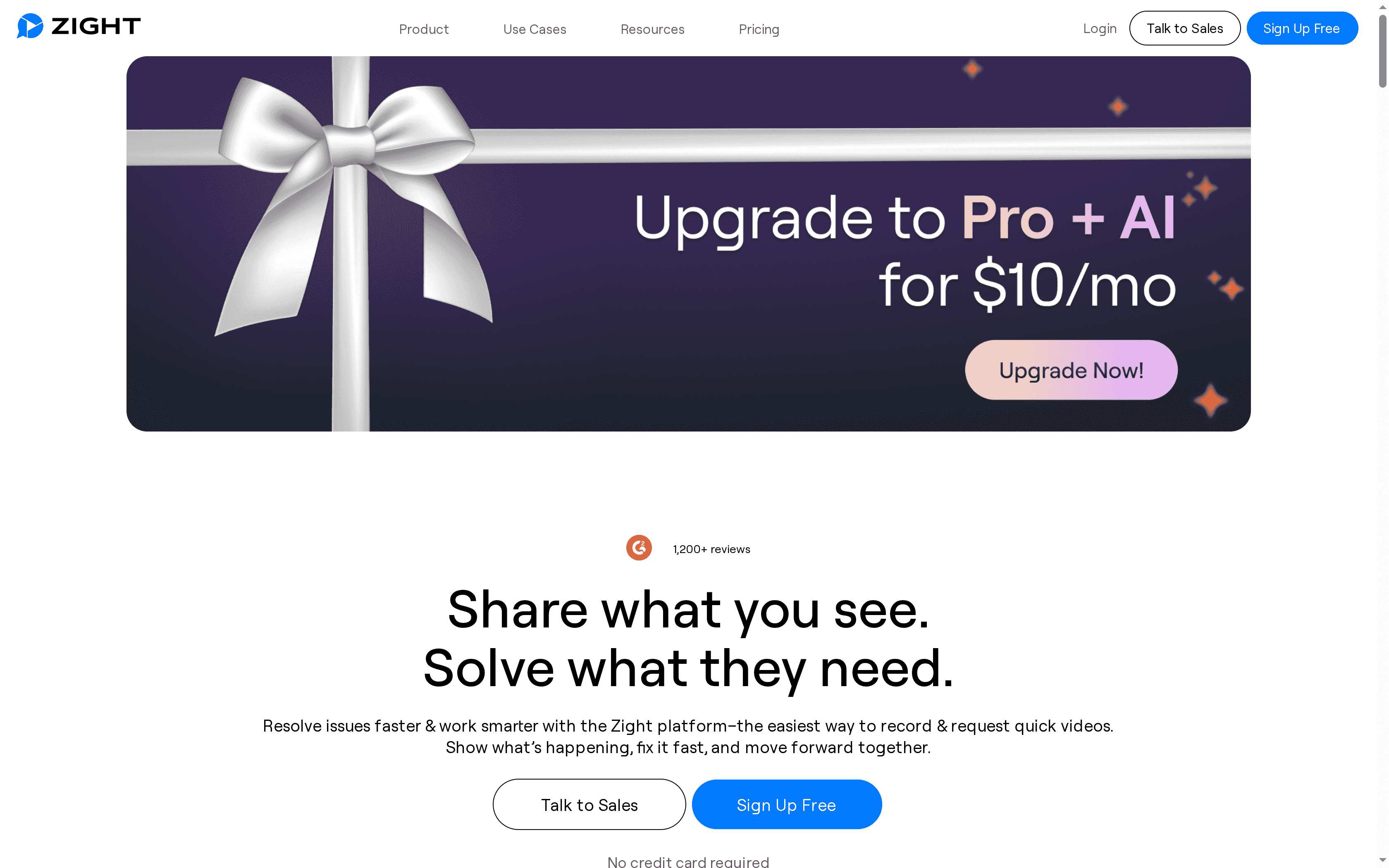
Zight is a streamlined visual communication platform that helps teams record, annotate, and share screenshots and videos with minimal friction. It blends robust screen capture and editing tools with AI features that generate transcripts, summaries, and step-by-step guides. The result is faster issue resolution and clearer asynchronous collaboration across support, product, and remote teams. If you need polished visual explanations without heavy editing, Zight delivers.
Core Features
Zight centers on fast screen recording (desktop, mobile, and a Chrome extension), screenshot capture with annotation, and GIF creation for quick, loopable clips. Video editing tools let you trim, split, crop, and apply filters before sharing. AI capabilities add automatic titles, descriptions, transcripts, summaries, and step-by-step guides, while instant sharing produces links with comment threads. Integrations with Slack, Microsoft Teams, Zendesk, and Jira streamline workflows, and enterprise tiers include advanced security and admin controls.
Pros
Cons
Who It's For
- Easy-to-use interface for quick recording and sharing: Zight’s tools are accessible from a single workflow, so you can capture and distribute content in seconds without training sessions.
- Robust AI features for automatic content generation: Built-in AI produces transcripts, summaries, and step-by-step guides that reduce manual editing and speed up documentation.
- Seamless integration with popular tools: Native connectors to collaboration and ticketing platforms keep recordings tied to the systems teams already use.
- High-quality recordings and editing options: Support for high-resolution capture and basic editing (trim, split, crop, filters) gives a polished output without third-party editors.
- Strong security and administrative controls for enterprises: Admin controls and security options make Zight suitable for organizations with compliance or governance needs.
- Some advanced features require paid plans: Key AI capabilities and enterprise-grade controls are gated behind paid tiers, limiting full utility on the free plan.
- Learning curve for complex AI capabilities: While the basics are straightforward, extracting consistent value from advanced AI features can take time and experimentation.
- Pricing may be high for smaller teams or individuals: The Pro and team pricing levels may feel steep for solo users or very small teams with tight budgets.
Zight is ideal for support teams, product managers, designers, and distributed engineering teams that rely on visual explanations to diagnose issues, onboard users, or demo features. If your work depends on rapid, clear asynchronous updates—especially in remote or hybrid environments—Zight reduces back-and-forth and preserves context in a shareable format.
Unique Value Proposition
Zight combines high-quality capture and light editing with AI-driven content generation to convert raw recordings into explainable documentation in minutes. That mix of speed, polish, and automation makes it especially valuable when time-to-resolution and clarity matter more than minute production control.
Real World Use Case
A customer support team records annotated walkthroughs of reported issues, attaches the generated transcript and summary to a ticket, and shares the link with engineers and customers. Resolution time drops because everyone sees the same steps and context, and follow-up questions are minimized. Faster fixes. Happier customers.
Pricing
Free plan available with basic features; Pro plan at $9/month or $11/month per user for teams; Enterprise plans require contacting sales for custom pricing.
Website: https://getcloudapp.com
Descript
At a Glance
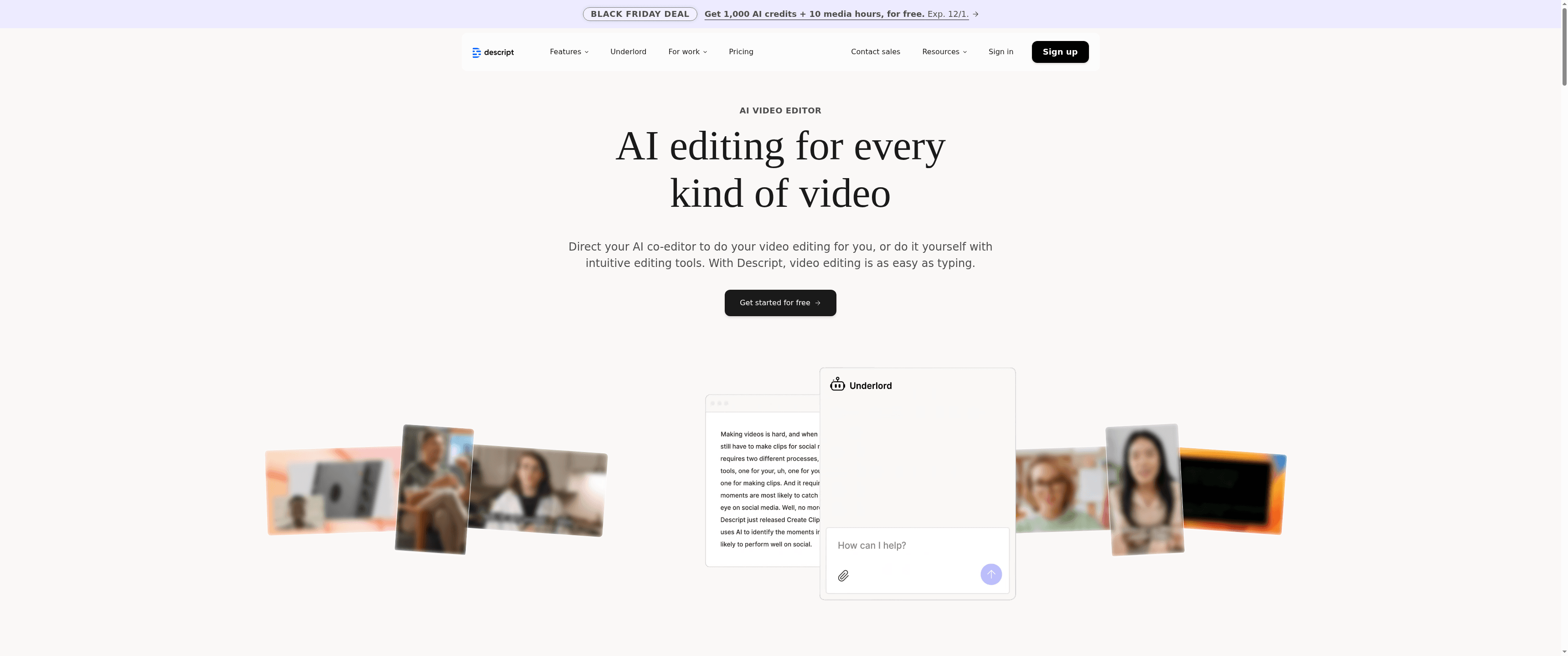
Descript is an AI-powered audio and video editor that turns complex post-production tasks into approachable workflows. It emphasizes text-based editing so you can edit media like a document, and it layers advanced AI features—like Underlord, voice synthesis, and Studio Sound—on top of that simplicity. If you want faster edits, cleaner audio, and automated fixes without a steep learning curve, Descript delivers. Expect cloud-first workflows with strong transcription and collaboration tools, but also limits if you need offline editing.
Core Features
Descript combines text-based editing and AI features to simplify content production. Key capabilities include AI-powered video editing with Underlord, accurate transcription that lets you delete words to cut clips, green screen background removal, eye contact correction for on-camera footage, and Studio Sound audio enhancement for noise removal and cleaner voice tracks. The platform supports a wide range of media formats and integrates these features into a single editing timeline, making it practical for both short social clips and longer podcast episodes.
Pros
Cons
Who It's For
- User-friendly interface with text-based editing: The document-style editing flow makes trimming, rearranging, and repurposing content fast and intuitive for non-editors and pros alike.
- Advanced AI tools to simplify complex editing tasks: Features like Underlord, voice synthesis, and Studio Sound automate time-consuming fixes that normally require specialized skills.
- Supports a wide range of media formats and editing needs: Descript handles podcast workflows, social video creation, and more without forcing multiple tools or exports.
- Flexible plans suitable for individuals and teams: The tiered pricing and free basic plan let hobbyists start small while teams can scale up to collaborative features.
- Strong community and customer support: Active user resources and support channels help solve workflow questions and accelerate learning.
- Some advanced AI editing features vary by plan and may be restricted: Certain capabilities can be limited depending on your subscription, which may frustrate creators who expect parity across tiers.
- Pricing can be high for small-scale users or occasional creators: Paid plans start at $16/month and rise from there, so casual users may find the cost disproportionate to occasional needs.
- Limited offline capabilities since most features are cloud-based: Relying on cloud processing means you may struggle to work when internet access is unreliable or unavailable.
Descript is best for content creators, marketers, podcasters, educators, and small teams that need efficient media production without large editing teams. It fits creators who value speed and AI-assisted polish—people who want to convert transcripts into polished video or audio quickly and who collaborate on drafts and revisions.
Unique Value Proposition
Descript’s unique strength is making advanced audio and video editing feel like editing text, then enhancing those edits with powerful AI: automated background removal, eye contact correction, voice synthesis, and Studio Sound. That combination accelerates production while lowering the skill barrier.
Real World Use Case
A small business uses Descript to produce marketing videos and podcasts, leveraging its transcription to repurpose episodes into short social clips and Studio Sound to deliver broadcast-quality audio without a recording studio.
Pricing
Offers a free basic plan with limited features; paid plans start from $16/month for hobbyists, $24/month for creators, with enterprise plans available upon contact.
Website: https://descript.com
Video Editing and Collaboration Tools Comparison
This table provides a comprehensive comparison of various video editing and collaboration tools, highlighting their features, usability, pros, cons, and pricing.
| Product | Core Features | Pros | Cons | Pricing |
|---|---|---|---|---|
| Boomshare | AI video editing, screen recording, multilingual captions, cloud sync, real-time collaboration | Completely free, robust AI, unlimited HD editing, seamless cloud collaboration | Evolving features, ad-supported model could be potential limitations | Free forever with advanced features included |
| Loom | Screen/camera recording, intuitive editor, deep integrations, AI-powered automation | User-friendly, strong integrations with tools, AI automation for documentation | Features behind higher-tier plans, basic plans limit video quality, complex enterprise onboarding | Free plan; paid plans start at $15/user/month |
| Vidyard | AI personalization, hosting, engagement analytics, CRM integrations | Integrated AI and hosting, actionable analytics, CRM integrations, scalable plans | Complex features require training, high pricing for larger teams, key capabilities require add-ons | Free plan; Starter plan starts at $59/user/month |
| Wistia | Video hosting/management, webinar tools, in-depth analytics, marketing integrations | Sleek video presentation, robust analytics, comprehensive tools, strong marketing integrations | High pricing for advanced features, additional usage billed separately, limited purchasing flexibility | Free plan; paid plans start at $19/month |
| Zight | Screen recording, AI transcripts/summaries, integrations, strong security controls | Easy-to-use, robust AI features, seamless integration, high-quality recordings | Advanced features require paid plans, steep learning curve for AI capabilities, high pricing for small teams | Free plan; Pro plan at $9/month |
| Descript | Text-based editing, AI tools (Underlord, Studio Sound), supports various media formats, collaborative | User-friendly text-based editing, advanced AI tools, flexible plans, strong community support | Advanced features vary by plan, high pricing for small users, limited offline capabilities | Free basic plan; paid plans start at $16/month |
This table should help you evaluate and choose the right video editing and collaboration tool according to your needs and budget.
Transform Your Product Demo Videos with AI-Powered Async Tools
The "Comprehensive Product Demo Video Software Comparison 2025" highlights how time-consuming it can be to create, edit, and share polished demo videos across multiple platforms while juggling scheduling, localization, and collaboration challenges. If you are looking for a way to overcome these hurdles and cut through the noise, Boom offers a revolutionary solution. With Boom you get an AI-first async video platform built to save you hours by automating scripting, voiceover, editing, and multilingual dubbing—all in one place without any hidden fees.
No more syncing schedules. No more patchwork editing. Just fast, on-brand videos ready to impress your audience and globalize your message. Boom helps you break free from meeting fatigue while empowering freelancers, marketers, startups, and remote teams to send clear demos, pitches, and updates with complete confidence.
_Ready to ditch the old way and earn your time back?_
Check out the full Boom landing page to explore how Boom stacks up against traditional tools like Loom or Zoom with built-in AI scripting and voice-first recording. Discover the power of Boom AI voiceover & multilingual dubbing and see what async video creation can do for your team.
Take control of your video demos today with Boom and start saving hours on every project. Visit Boomshare.ai now and experience the future of product demo video creation that actually earns you time back.
Frequently Asked Questions
What features should I look for in product demo video software?
To create effective product demo videos, look for software that offers screen recording, editing tools, AI features for summarization, and options for adding captions. Prioritize a platform that allows seamless sharing and collaboration to enhance your workflow.
How can I improve the quality of my product demo videos?
Improve the quality of your product demo videos by using high-definition recording, professional audio enhancement features, and a structured script. Prioritize editing tools that allow for background noise removal and proper lighting adjustments to ensure a polished final product.
What are the common pricing models for product demo video software?
Common pricing models for product demo video software include free tiers with limited features, subscription plans based on user count, or pay-as-you-go options. Evaluate the specific features offered in each tier to determine what best suits your needs without incurring unnecessary costs.
How can I ensure my product demo videos reach a global audience?
To reach a global audience, select software that includes multilingual captioning and translation features. This allows you to localize your content easily, making it accessible to diverse viewers and potentially increasing your engagement by up to 30%.
What steps should I take to collaborate with my team on demo video projects?
To collaborate effectively on demo video projects, choose software that supports real-time editing and cloud-based sharing. Set clear roles and timelines for feedback, enabling your team to contribute efficiently and reduce project turnaround time by 20% or more.
How often should I update my product demo videos?
You should consider updating your product demo videos whenever there are significant product changes or improvements. Regular updates can keep your content relevant and informative, ideally every 3-6 months or as needed, to maintain viewer engagement.
Recommended
About the Author
Aditya
Software Engineer.