
How to Create Pitch Videos That Win Clients Fast
Learn how to create pitch videos step by step to engage and win clients. Follow this simple guide to script, record, brand, and share videos that convert.
Aniket
Author
How to Create Pitch Videos That Win Clients Fast

Over 80 percent of american entrepreneurs say a strong pitch video is their most powerful tool for winning support. Whether you are seeking investors, clients, or partners, the first impression you make on video can shape your entire business journey. Learning to create clear, engaging pitch videos with smart visuals and precise messaging gives you a real edge in a crowded market. This guide breaks down practical steps to help you build and share pitch videos that truly connect with your target audience.
Table of Contents
Quick Summary
| Essential Insight | Explanation |
|---|---|
| 1. Define clear pitch goals | Identify specific objectives, such as investment or client attraction, for tailored messaging. |
| 2. Utilize AI for scriptwriting | Leverage AI tools to generate scripts that align with your pitch objectives while ensuring a personal touch. |
| 3. Ensure high audio-visual quality | Focus on good lighting and sound quality; practice delivery to maintain clarity and engagement. |
| 4. Maintain visual branding | Use on-brand templates and design elements to enhance your video's professional appeal and consistency. |
| 5. Collect feedback asynchronously | Share videos on platforms allowing timestamped feedback to facilitate meaningful insights without live interaction. |
Step 1: Define your pitch video goals and audience
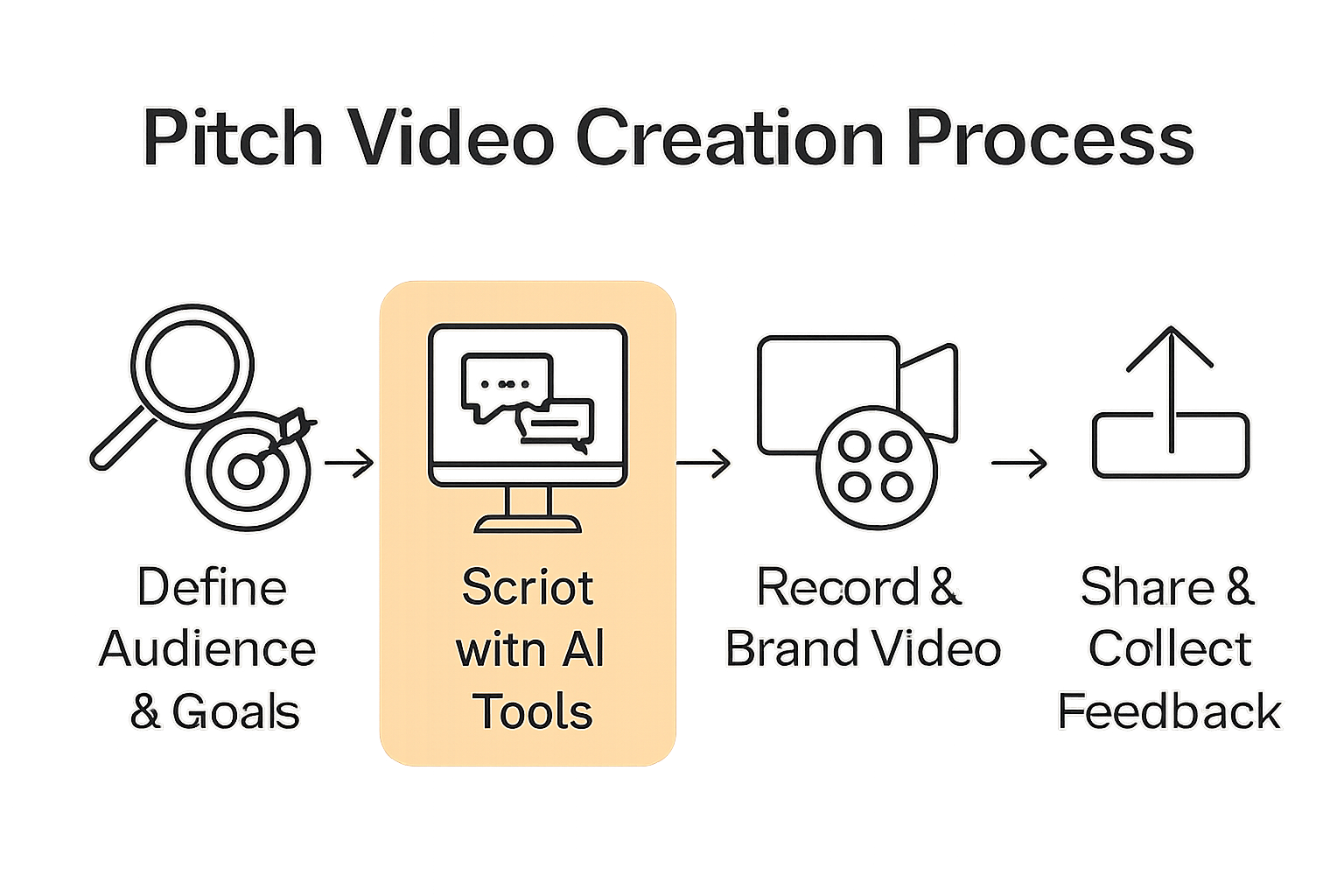
- Step 1: Define Your Pitch Video Goals And Audience
- Step 2: Craft Compelling Scripts Using AI Tools
- Step 3: Record Polished Videos With Voice And Visuals
- Step 4: Apply On-Brand Templates And Enhancements
- Step 5: Share And Collect Feedback Asynchronously
- Step 6: Review Performance And Optimize Future Pitches
Crafting an effective pitch video starts with crystal clear goals and a deep understanding of your target audience. According to OpenStax, successful pitches require identifying specific needs, market opportunities, and innovative solutions tailored precisely to your viewers.
Begin by mapping out your primary objectives. Are you seeking investment, attracting clients, or demonstrating product value? Each goal demands a unique approach. Audience analysis suggests considering key demographic factors like age, professional background, and existing knowledge level to customize your messaging. A pitch for venture capitalists will look dramatically different from one targeting small business owners.
Pro tip: Create a detailed audience persona before recording. Write down specific characteristics such as job role, pain points, and potential objections. This preparation transforms your pitch from generic presentation to targeted communication that speaks directly to your viewers' specific needs and interests. By understanding exactly who you're talking to, you can craft a video that feels personalized and compelling.
Step 2: Craft compelling scripts using AI tools
AI technology has revolutionized scriptwriting, offering powerful tools that can transform your pitch video creation process. ArXiv research highlights innovative approaches like Script2Screen, which integrates scriptwriting with audiovisual scene creation, enabling creators to generate expressive and emotionally resonant content with unprecedented efficiency.
Start by selecting an AI scripting tool that understands your specific pitch objectives. Input key details about your audience, product, and primary message. According to Theatrical Language Processing research, AI can expand creative problem solving by generating scenario drafts that capture the core essence of your communication. However, remember to review and personalize the output to ensure it maintains your unique voice and addresses specific audience needs.
Pro tip: While AI tools offer remarkable script generation capabilities, treat them as collaborative partners rather than complete replacements for human creativity. Review each draft critically, adjusting language to sound natural and authentic. For more insights into streamlining your video scripting workflow, check out our guide on video scripting techniques. The goal is a script that feels personal, compelling, and precisely targeted to your intended viewers.
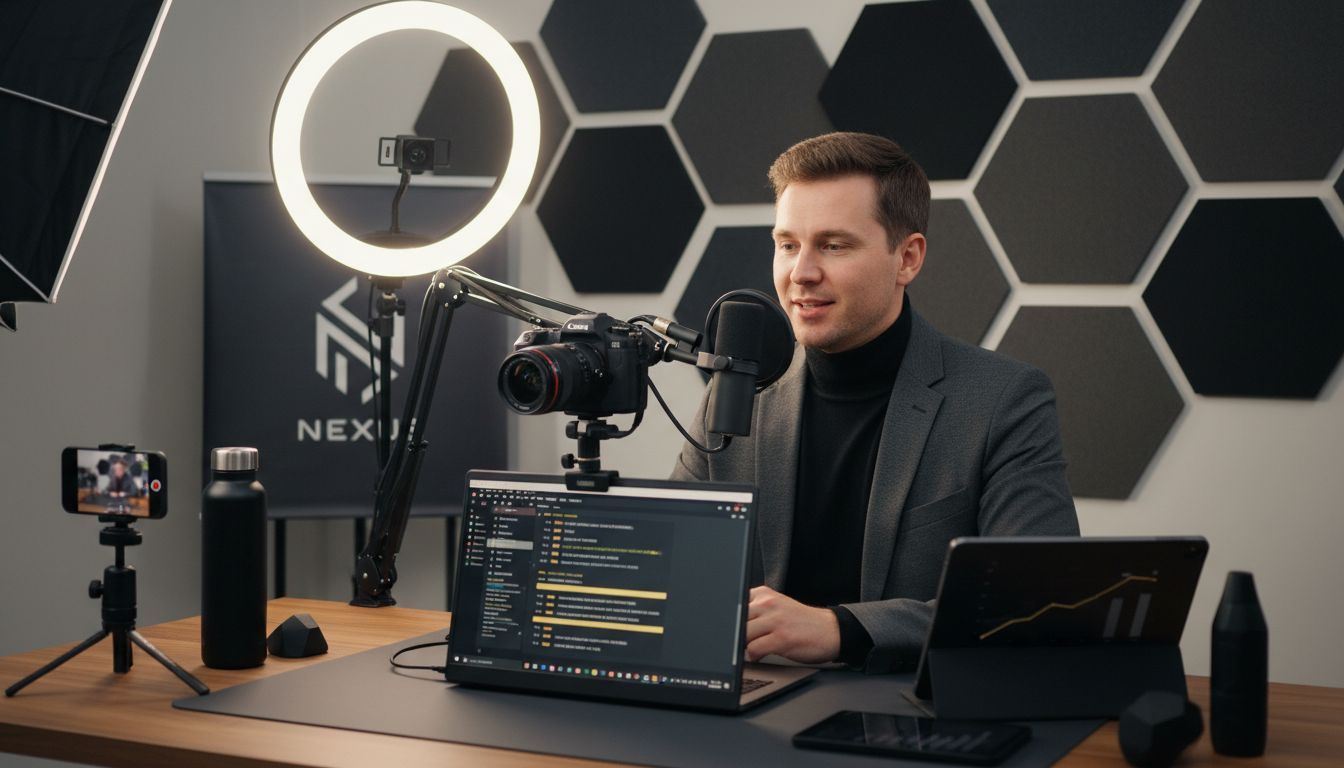
Step 3: Record polished videos with voice and visuals
Creating a professional pitch video requires careful attention to both audiovisual quality and content delivery. Carnegie Mellon University research emphasizes the critical importance of clear messaging and selecting an appropriate video style that resonates with your target audience.
Begin by choosing a clean recording environment with good lighting and minimal background noise. Modern AI tools can help streamline the recording process significantly. ArXiv research highlights innovations like AVscript, which demonstrate how technology can assist creators in producing high quality visual content more efficiently. Focus on maintaining a steady pace, speaking clearly, and using visual aids that complement your verbal narrative.
Pro tip: Practice your delivery multiple times before the final recording. Pay attention to your tone, energy, and body language. For additional insights into creating compelling video reports, check out our guide on creating concise video reports. Remember that authenticity matters more than perfection your audience wants to see the real you behind the pitch.
Step 4: Apply on-brand templates and enhancements
Transforming your pitch video from good to exceptional requires strategic visual branding and emotional resonance. ArXiv research introduces innovative approaches like MoodSmith, an AI powered system that ensures multimedia elements consistently reflect your intended emotional messaging across scripts, visuals, and audio.
Choose templates that align with your brand identity and communicate your core message effectively. Modern AI tools can help you quickly customize visual elements to create a professional and cohesive look. Heroic Shorts highlights how advanced technologies can simplify complex visual storytelling, enabling you to draft compelling narratives that capture your audience's attention instantly.
Pro tip: Maintain visual consistency by using your company colors, logos, and design elements throughout the template. For comprehensive guidance on creating professional video templates, explore our complete guide to video template essentials. Remember that your visual presentation is often the first impression potential clients will have of your brand strategy.
Step 5: Share and collect feedback asynchronously
Embry Riddle Aeronautical University research emphasizes the critical importance of strategic communication when sharing pitch videos. Asynchronous feedback collection allows your potential clients to review your content on their own schedule, providing a flexible and professional approach to collaboration.
Start by selecting a platform that enables easy video sharing and direct commentary. Modern async video tools let viewers leave timestamped feedback, ask questions, and provide precise insights without scheduling live meetings. University of Adelaide research recommends structuring your video to clearly communicate your project's core objectives and societal impact, making it easier for viewers to provide meaningful feedback.
Pro tip: Always include a clear call to action and specific areas where you want feedback. For more strategies on leveraging async video communication, check out our guide on async video benefits. Remember that effective async feedback is about creating a smooth, respectful dialogue that moves your pitch forward without demanding immediate responses.
Step 6: Review performance and optimize future pitches
Optimizing your pitch video strategy requires systematic analysis and continuous improvement. JETIR research highlights the emerging role of AI in helping creators refine their narrative approaches, pointing out both the strengths and potential limitations of automated script generation.
Analyze the feedback you receive by tracking metrics like viewer engagement, comment quality, and conversion rates. Modern AI tools can help you deconstruct your video performance with unprecedented precision. B2W emphasizes the importance of maintaining consistent brand voice while iteratively improving your storytelling techniques through intelligent data analysis.
Pro tip: Create a feedback log that tracks specific comments, suggestions, and viewer reactions. This will help you identify patterns and continuously refine your pitch video approach. Small incremental improvements can lead to significant gains in your overall communication effectiveness.
Elevate Your Pitch Videos with AI-Powered Ease
Creating pitch videos that win clients fast requires clear goals, authentic messaging, and professional polish. The article highlights challenges like defining your audience persona, crafting compelling scripts, and gathering impactful async feedback—all vital steps to make your pitch stand out. If you want to avoid endless back-and-forths and time-consuming meetings, turn to a tool designed to save you hours while delivering brand-ready, on-point videos every time.
Boom is your perfect partner to build winning pitch videos. With features like AI-driven auto-scripting that generates concise, goal-focused scripts, AI voiceover and multilingual dubbing to sound your best in any language, and async-first video sharing with comment collaboration Boom solves common pain points from the article such as script creation, polished delivery, and feedback collection without scheduling hassles. Plus its instant branding and visual templates keep your videos professional and consistent.
Ready to ditch the stress of pitching live or running endless meetings The future of winning pitch videos is async and AI powered. Explore how Boom can transform your pitch creation process right now.
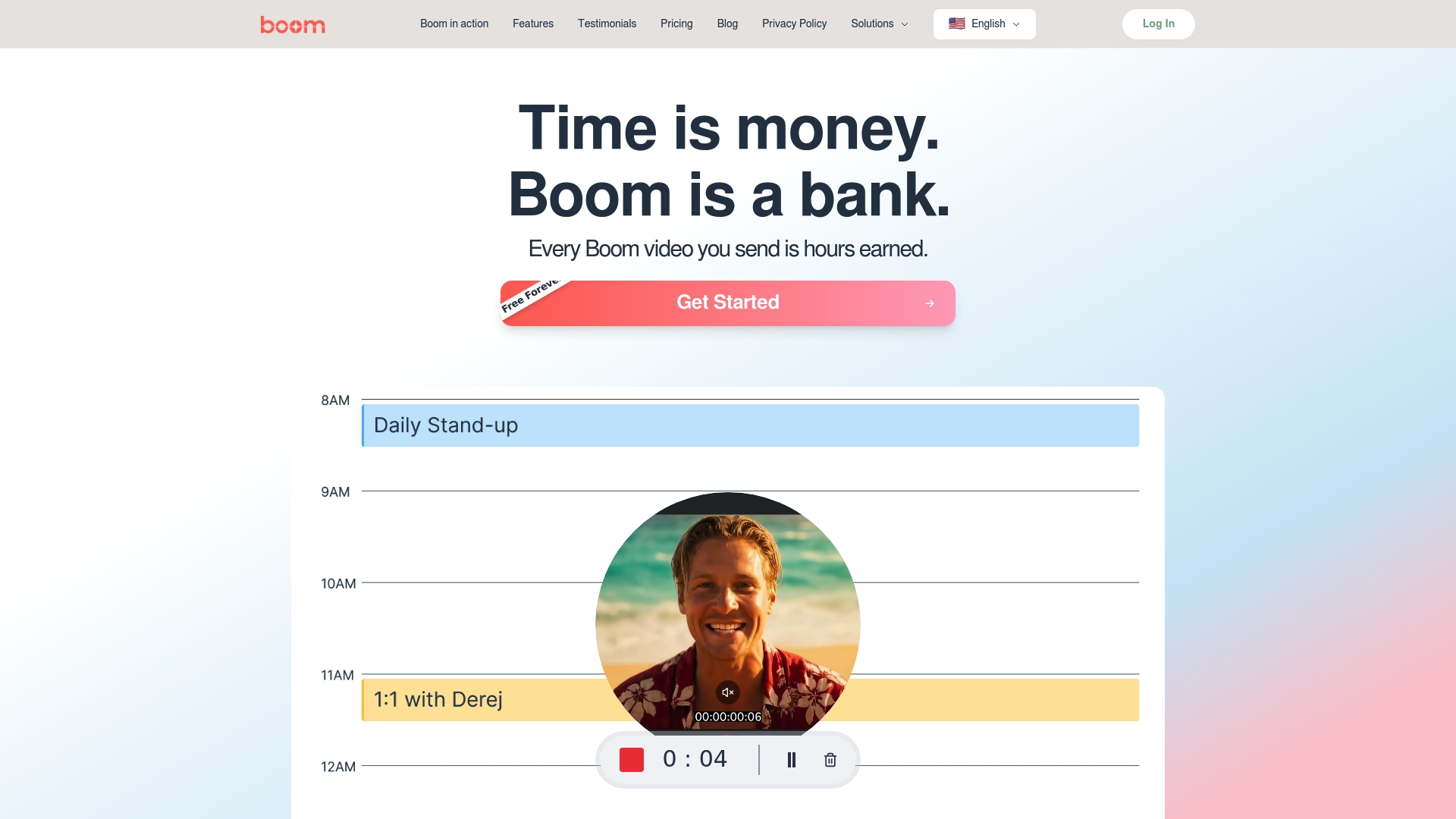
Unlock your time and boost your client wins by trying Boom today at Boom Landing Page. Learn more about streamlining your video scripting workflow in our guide on video scripting techniques. For tips on async communication and feedback, visit our guide on async video benefits. Start creating stunning pitch videos that truly connect with your audience—without meetings and with powerful AI support.
Frequently Asked Questions
What are the key goals to set when creating pitch videos?
To create effective pitch videos, identify clear goals such as attracting clients, securing investment, or showcasing product value. Write down your objectives to tailor your content specifically to these goals, ensuring your message resonates with the audience.
How can I analyze my target audience for my pitch video?
To analyze your target audience, create a detailed audience persona that includes characteristics like demographics, job roles, pain points, and objections. This research will help you customize your message, making your pitch more relevant and engaging.
What are some tips for scripting a pitch video using AI tools?
When using AI tools for scripting, start by inputting essential information about your audience and main message. Review and personalize the generated script to ensure it reflects your unique voice and addresses viewers' specific needs, creating an authentic connection.
How can I improve the audiovisual quality of my pitch videos?
Improve the audiovisual quality by recording in a well-lit space with minimal background noise and using clear visuals that enhance your message. Practice your delivery multiple times to ensure you speak clearly and confidently, which will elevate the overall presentation of your video.
What are effective ways to collect feedback on my pitch video?
To collect feedback effectively, use a platform that allows viewers to leave timestamped comments and insights. Clearly state your call to action and specific areas where you seek feedback to encourage meaningful responses that can help refine your pitch.
How can I evaluate the performance of my pitch video?
Evaluate your pitch video's performance by tracking viewer engagement, comment quality, and any conversion metrics. Maintain a feedback log to identify patterns and make incremental improvements to your pitch strategy, enhancing your communication effectiveness over time.
Recommended
About the Author
Aniket
Software Engineer.